

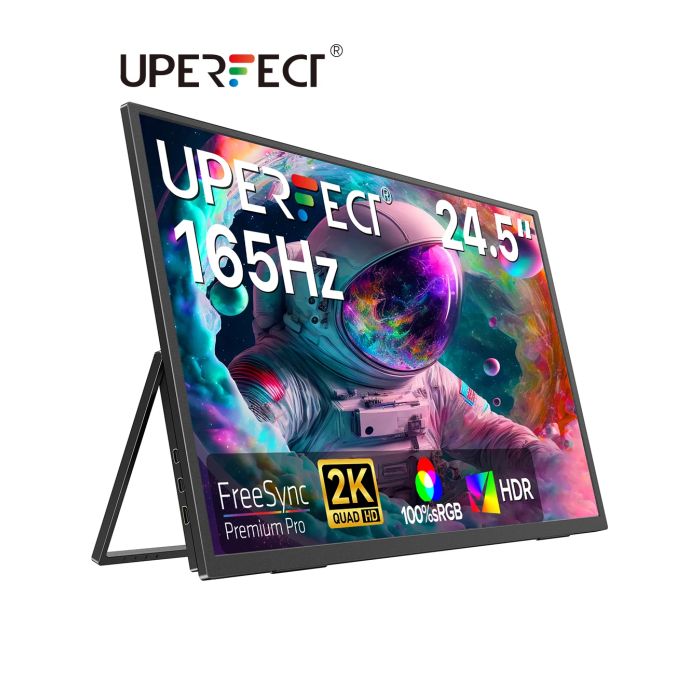
UPERFECT UMax 24.5" 2K Portable Desktop Monitor 165Hz FreeSync Gaming Display for Laptops Mini PC Desktop Computers Switch Xbox
In stock
Only %1 left
SKU
1005009295612949
$380.69
UPERFECT UMax 24 - 24.5 Inch 2K Desktop Monitor 165Hz Wall Mounted IPS Display
Expansive Viewing Experience: The UPERFECT portable monitor boasts a 24.5-inch IPS display with a stunning 2K QHD resolution (2560 x 1440), offering crystal-clear visuals and an immersive viewing experience.
Ultra-Smooth Performance: Experience ultra-fluid visuals with a 165Hz refresh rate and 1ms response time, ensuring minimal blur and lag for gaming, video editing, and fast-paced content. (Note: Type-C supports up to 165Hz, while HDMI is limited to 144Hz.)
Superior Color Accuracy: Enjoy vibrant and accurate colors with 100% sRGB color gamut coverage, 8 bits color depth,, and a 1000:1 contrast ratio, making this portable monitor ideal for professional and entertainment use.
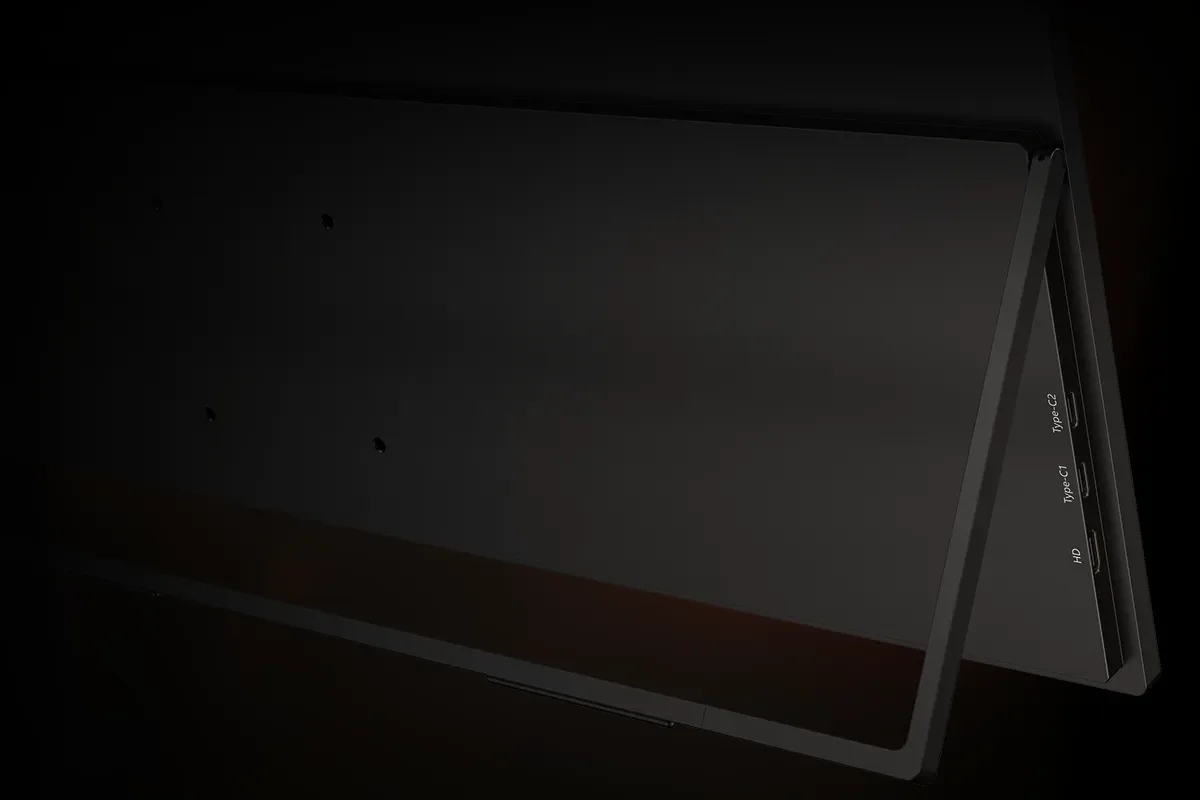
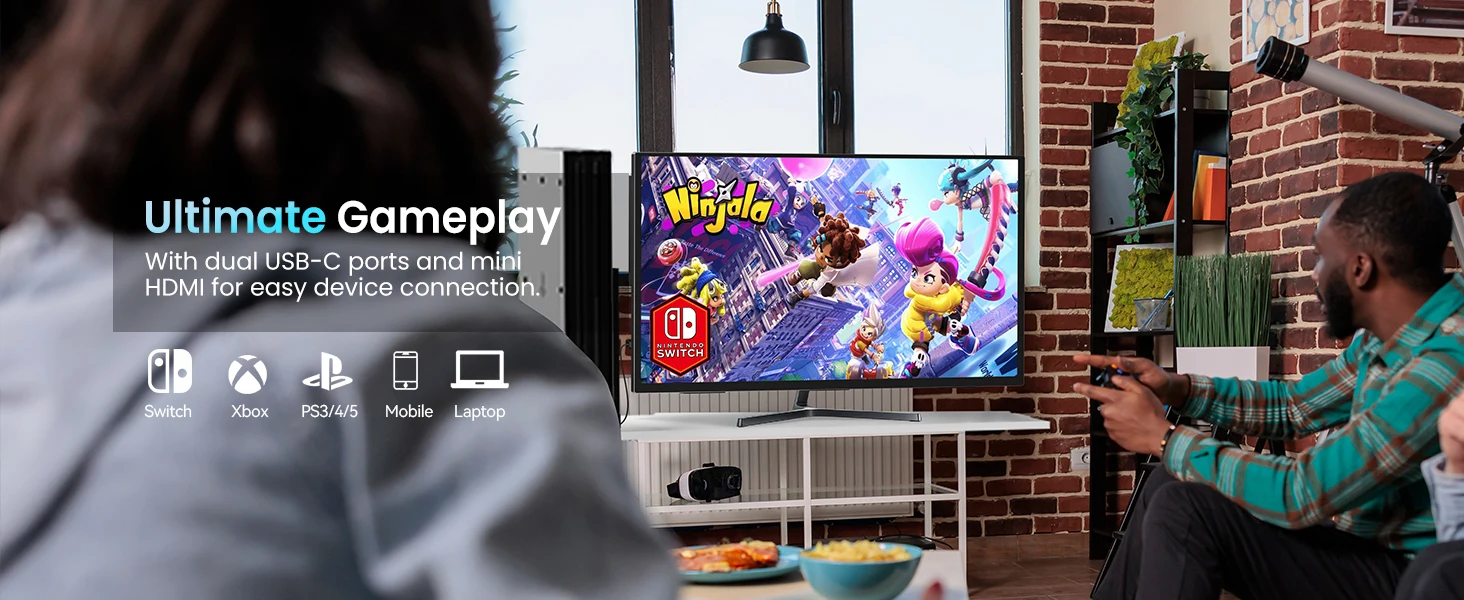
Versatile Connectivity: Equipped with a mini HDMI port and dual USB-C 3.1 ports, the portable gaming monitor seamlessly connects to laptops, PCs, smartphones, gaming consoles, and more, providing enhanced productivity and entertainment on the go.
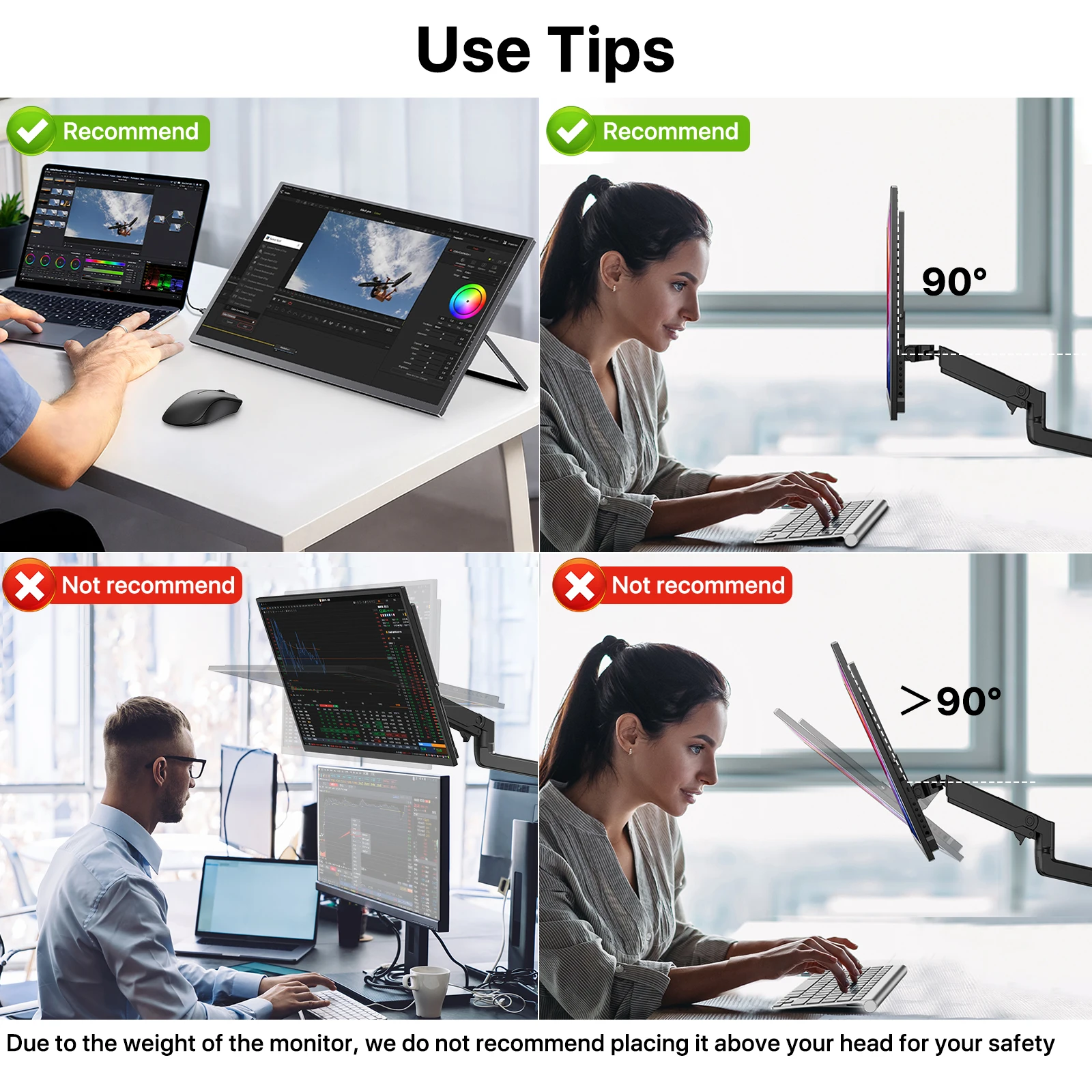
Ergonomic Design: The sleek and ultra-slim profile, accompanied by a VESA mount and a patented 180° adjustable kickstand, ensures comfortable viewing angles and portability, making it a perfect travel companion for laptops and mobile devices.
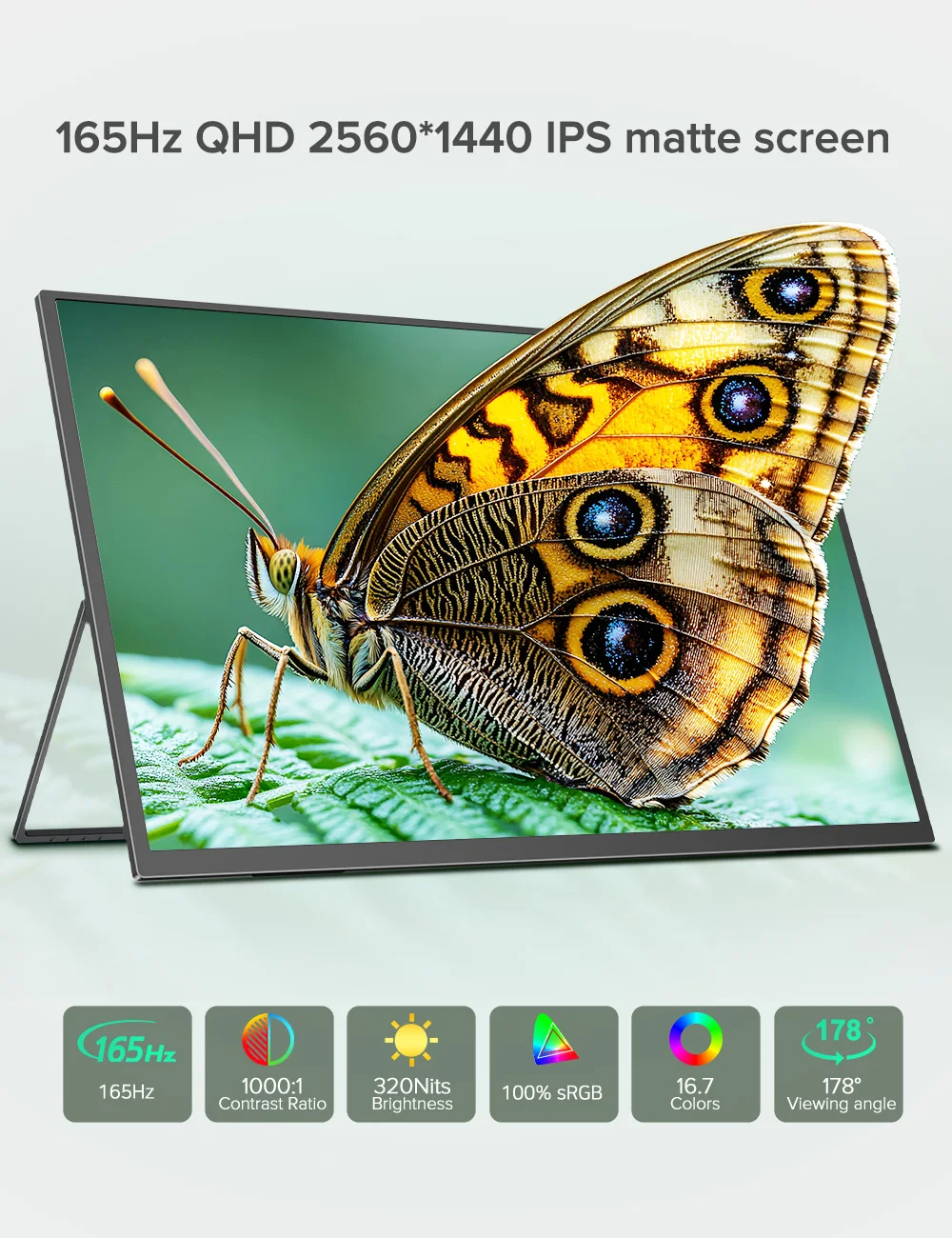
24 Inch Monitor Adapts to Your Every Need
This 24 inch desktop monitor combines excellent display effects with convenient design, perfect for gaming and daily office work. The 2560x1440 resolution provides clear and sharp picture details, 165Hz high refresh rate ensures smooth picture switching, and the unique integrated design allows you to easily adjust the monitor's position according to your needs to adapt to different work and entertainment environments.
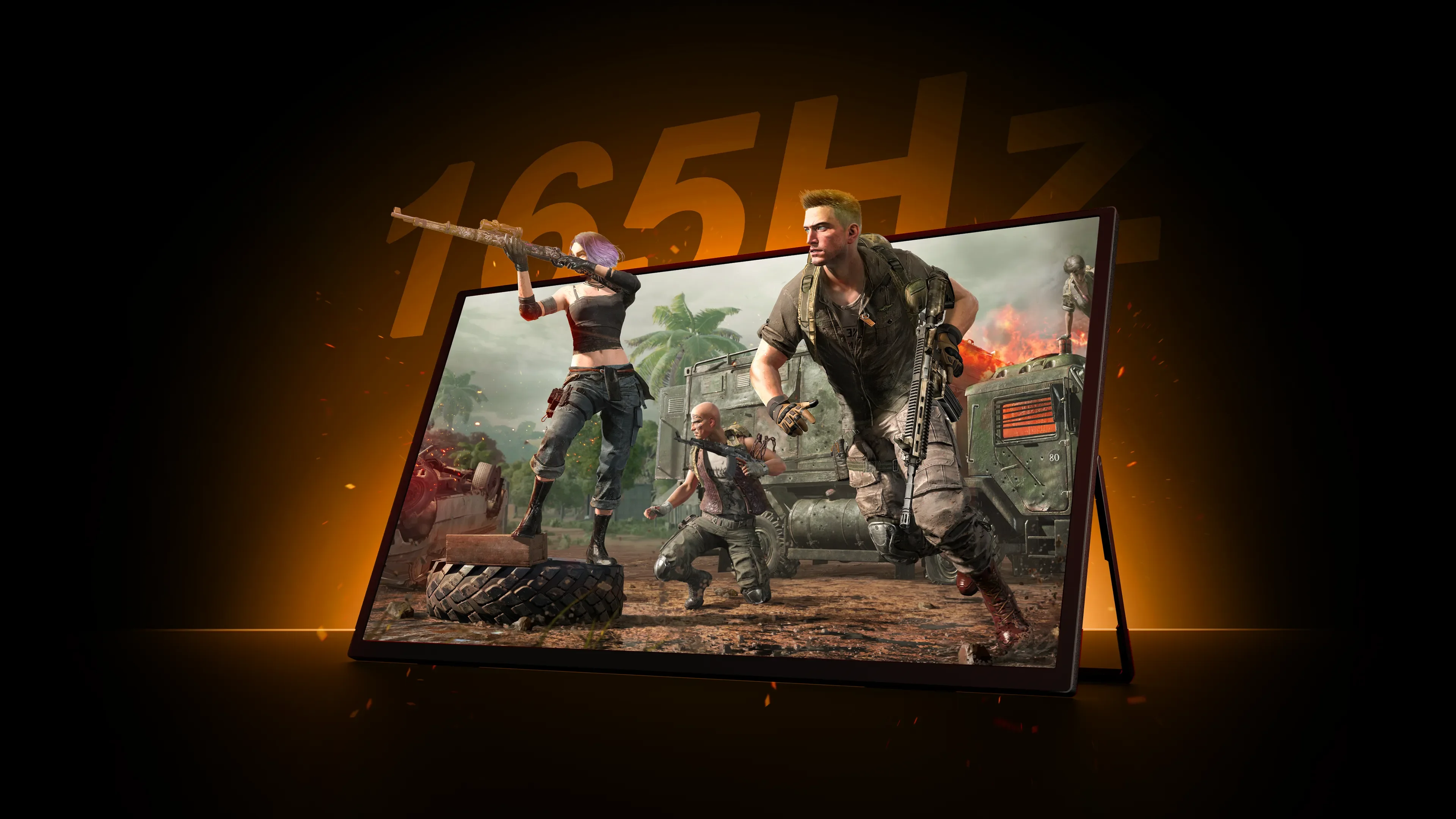
Choose 165Hz, Win at the Starting Line
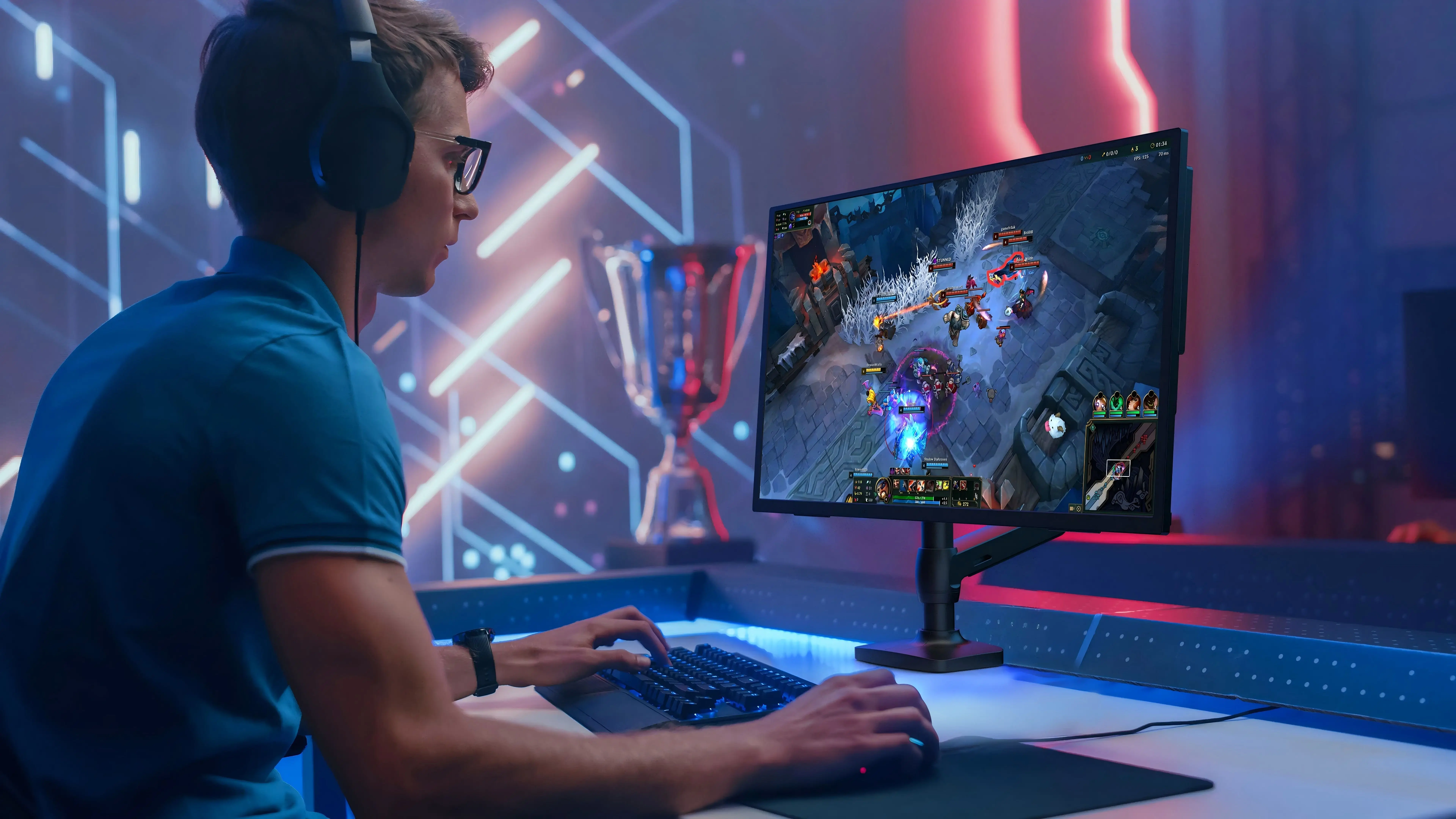
The 165Hz refresh rate significantly reduces screen tearing and blur, ensuring that the picture remains clear even when moving quickly, allowing players to enjoy high-speed games. 24 inch desktop monitor easily captures details, helping gamers gain the upper hand in fierce battles and greatly enhancing the immersion of the game.
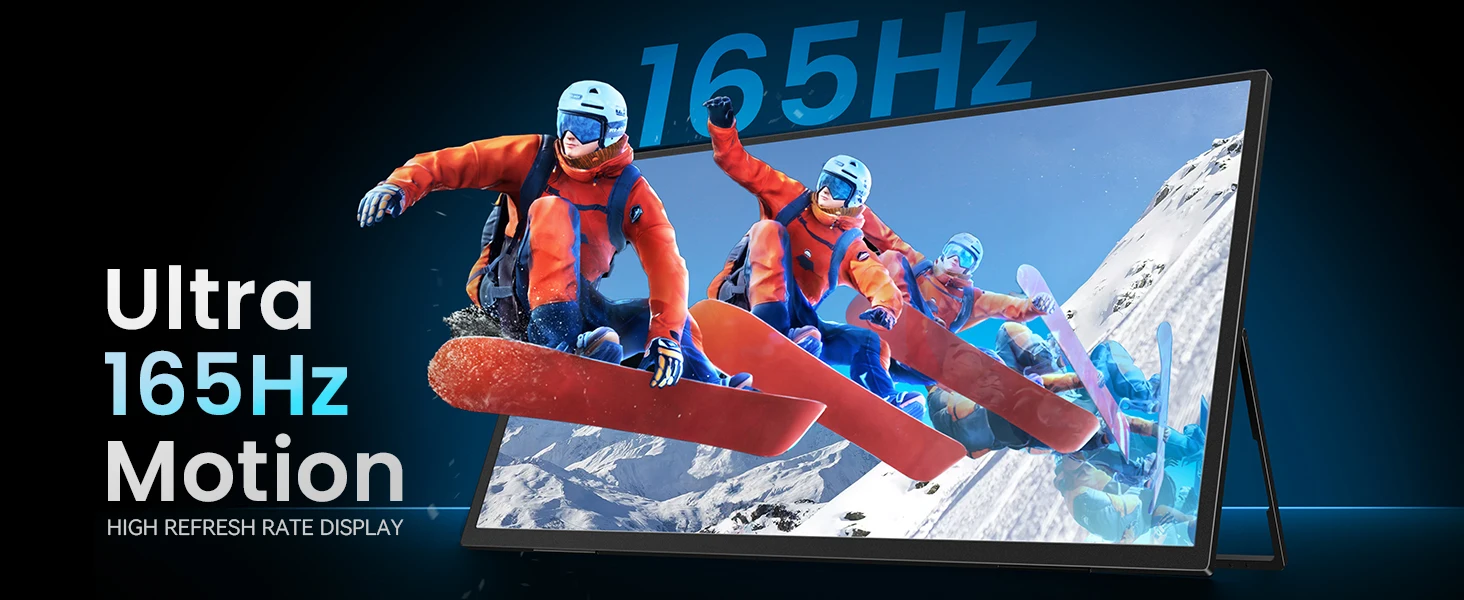
Precise Synchronization, Smooth Picture
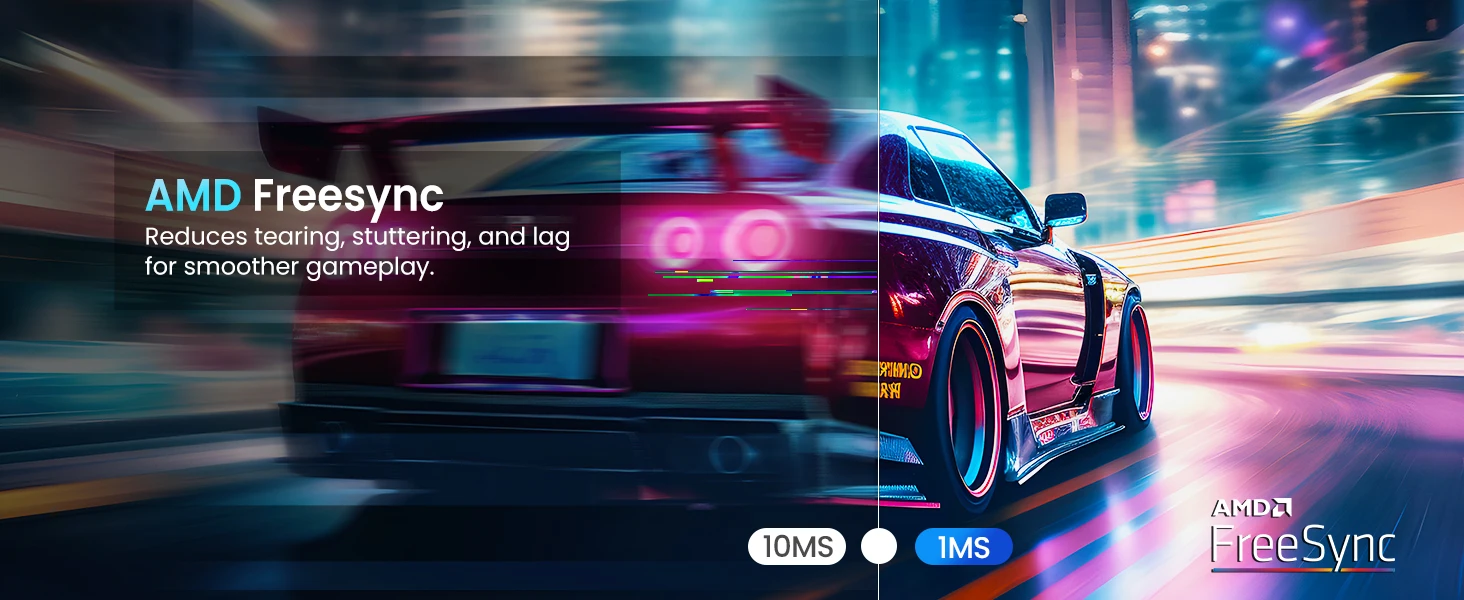
FreeSync dynamically adjusts the refresh rate of the monitor to keep in sync with the frame rate of the graphics card, effectively eliminating screen tearing and stuttering. It ensures that every operation can be responded to quickly, greatly improving the responsiveness of the game, 24 inch desktop monitor helps players gain an advantage in competitive scenes.
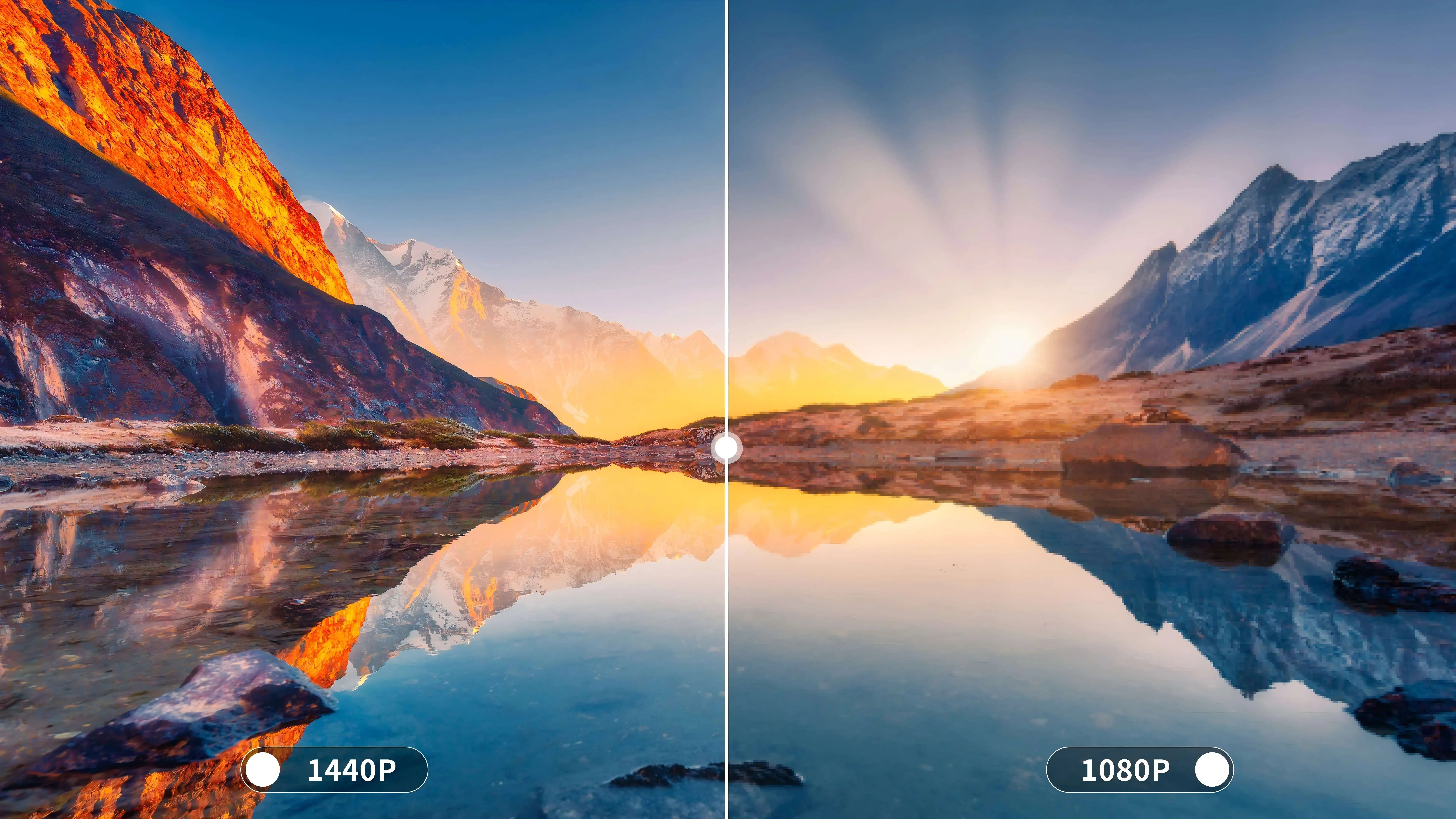
2K Takes Image Quality to the Next Level
Compared to 1080p full HD monitors, 2560 x 1440 pixels provide a higher pixel density, making images sharper and more detailed. This is especially important for gaming, video editing, and multimedia creation, because users can see every detail clearly, improving work efficiency and entertainment experience. 24.5 inch monitor is an ideal choice for modern monitors with their excellent clarity and delicate picture quality.
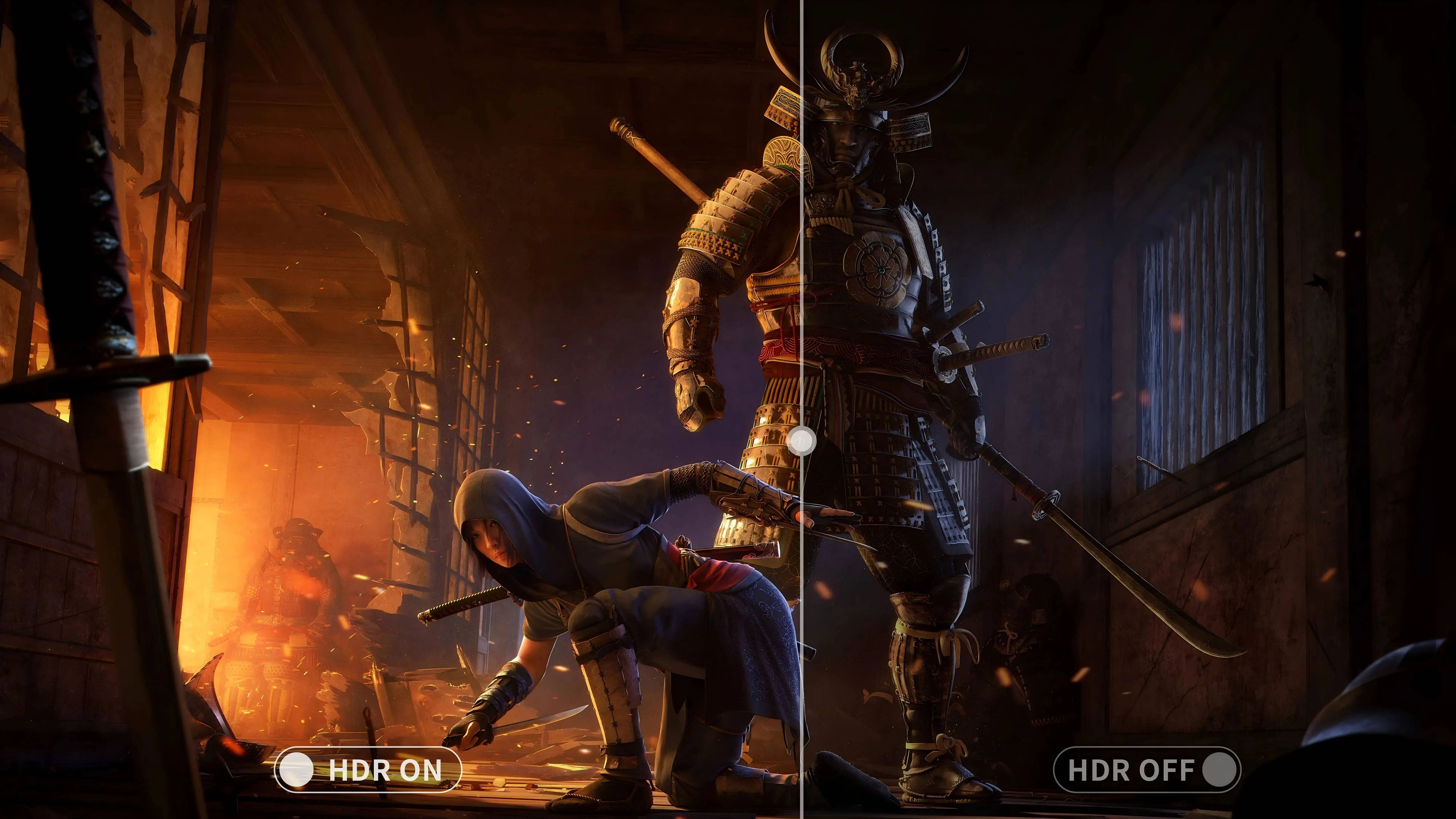
Brighter Contrast Between Light and Dark
HDR technology enhances the contrast between bright and dark parts and can show a wider brightness range, making the transition between light and shadow more natural and the details richer. Especially in high-brightness and dark scenes, 24.5 inch ips desktop monitor can restore every detail, making the viewing experience more comfortable and rich in layers.
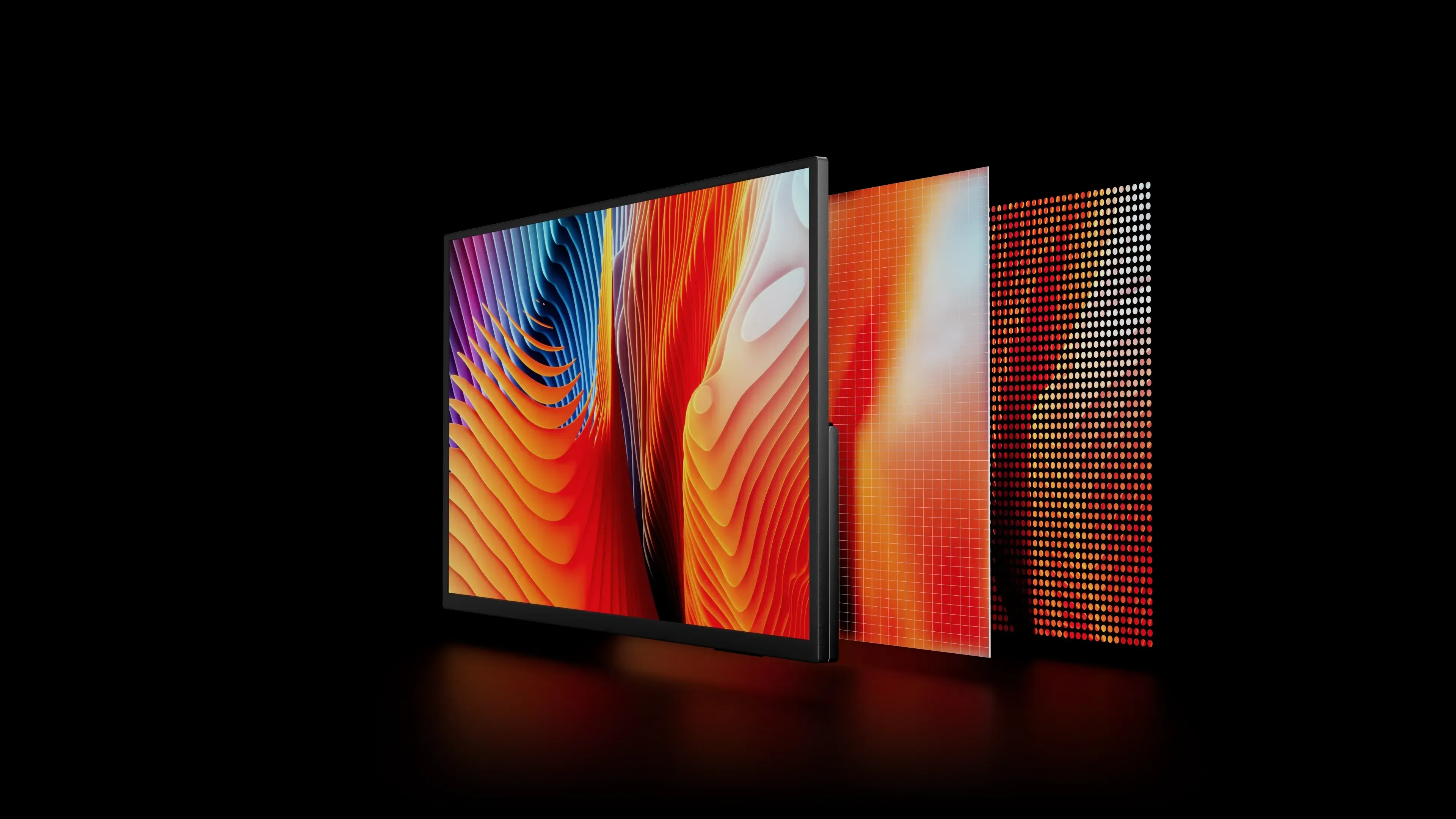
Capture Every Trace of Color Beauty
Portable 24.5 inch ips desktop monitor with 100% sRGB can present extremely rich and accurate colors, ensuring users get the best color display.
Integrated Design, Free to Do Whatever You Want
The 24.5 inch ips desktop monitor's ultra-high image quality and detailed restoration make every creation more handy. For tasks that require high concentration such as Excel processing, multi-tasking windows, programming, data analysis, creation, games, etc. this 24.5 inch ips desktop monitor can provide your work environment with a more efficient, accurate, and comfortable experience.
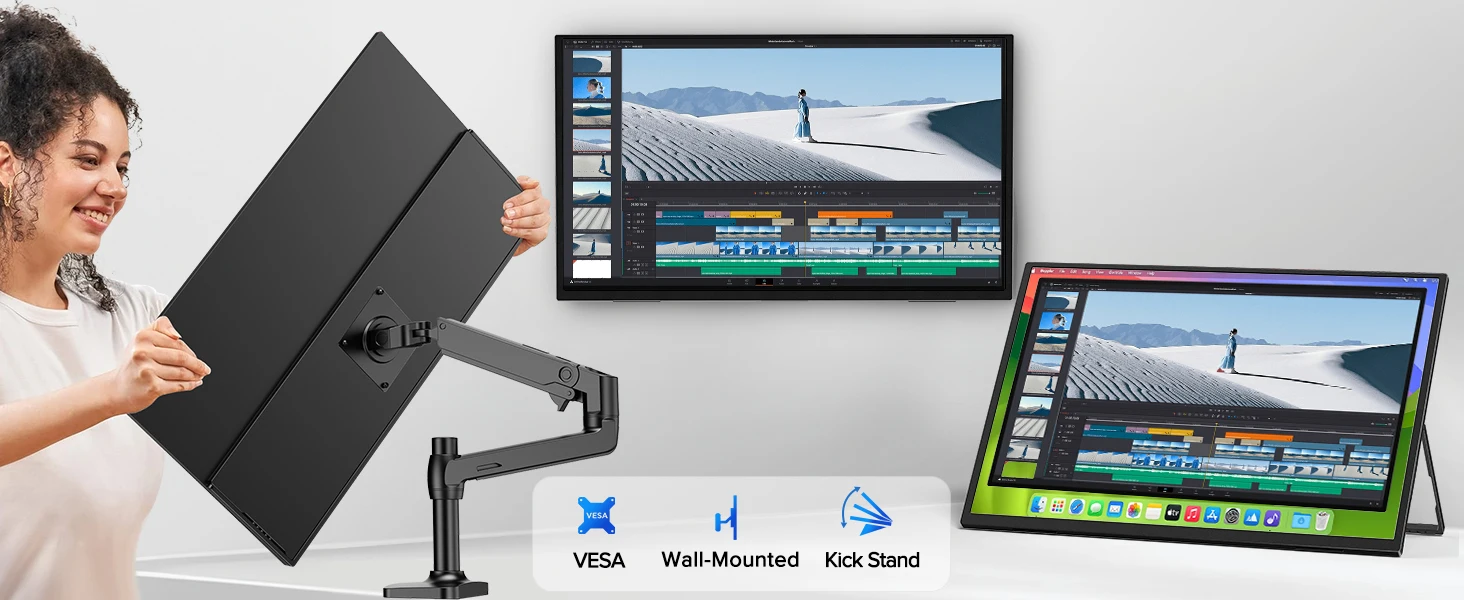
Create an Ideal Working Environment and Say Goodbye to Clutter
The 24 inch 165Hz monitor has four built-in VESA holes (75*75mm@M4*4mm), allowing users to easily achieve wall mounting or desktop stand use, thereby saving valuable desk space and creating a more neat and orderly working environment. This flexible mounting method allows users to freely adjust the position and angle of the monitor according to their needs and space layout to achieve the best viewing experience.
Multi-device Compatibility Makes Connection Easier
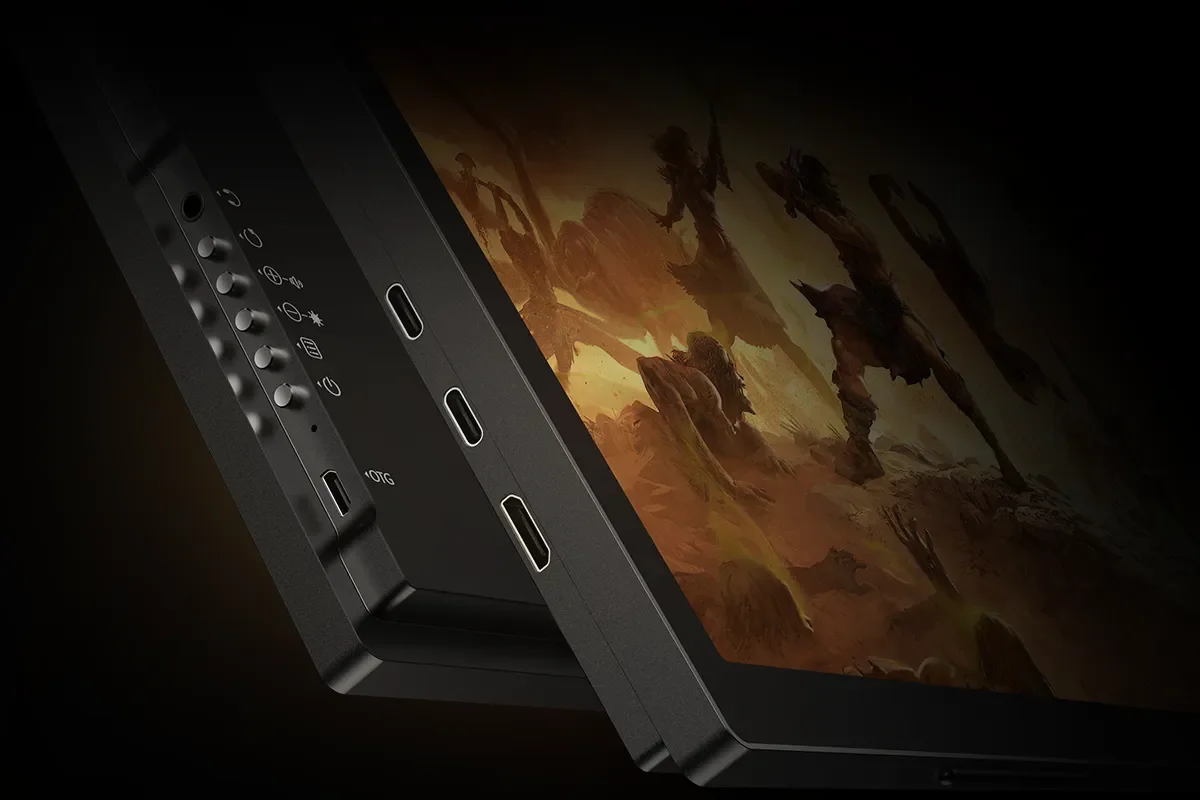
The 24.5 inch 165hz monitor is equipped with full-featured Type-C and HDMI interfaces, which Type-C makes it stand out from traditional monitors. It can not only transmit video signals but also transmit data and charge at the same time, greatly improving the flexibility and portability of the device. 24.5 inch 2K desktop monitor with USB ports makes the connection more convenient, especially suitable for mobile devices and thin laptops.
Built-in Stand Simplifies Your Desktop Layout
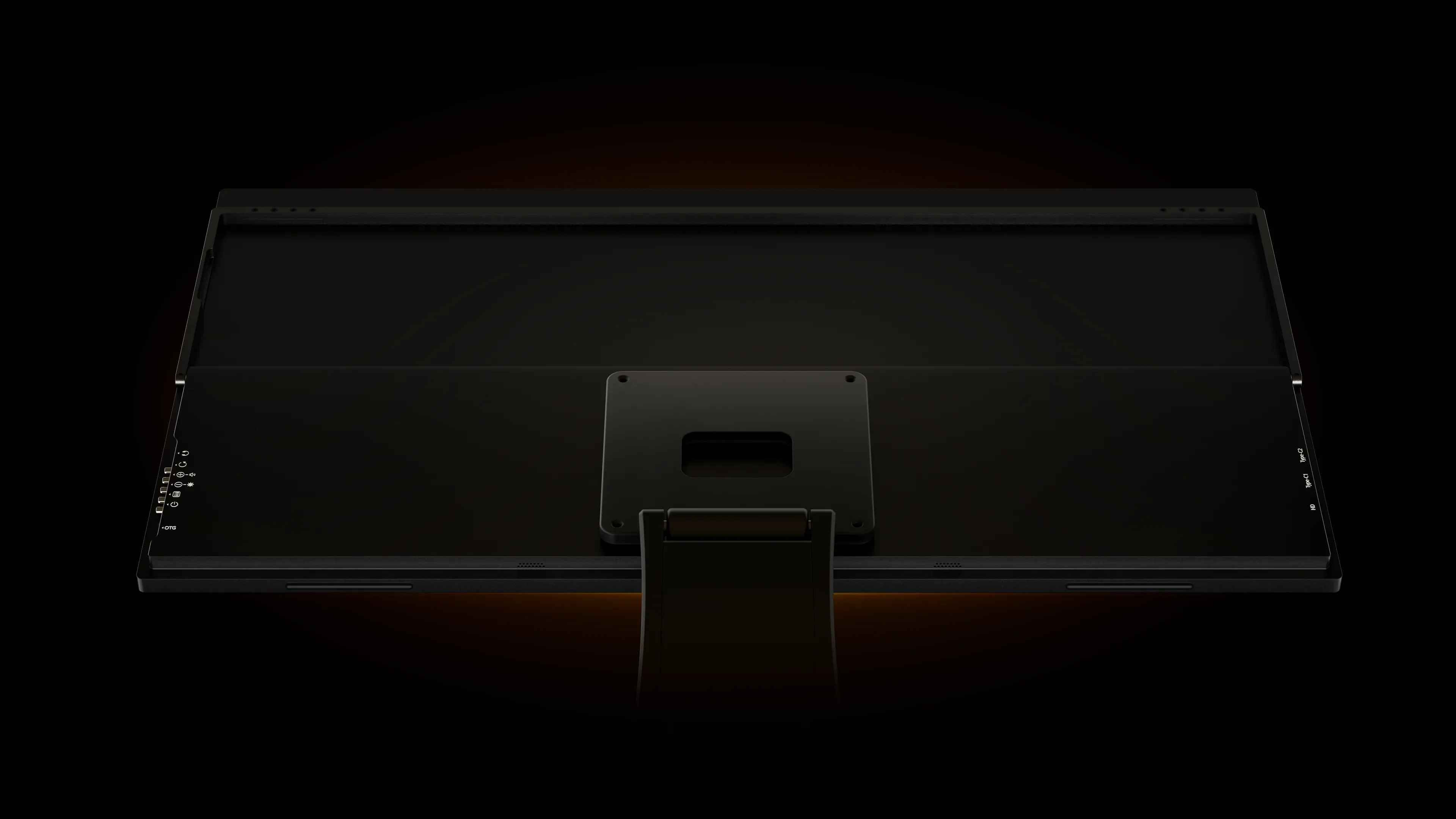
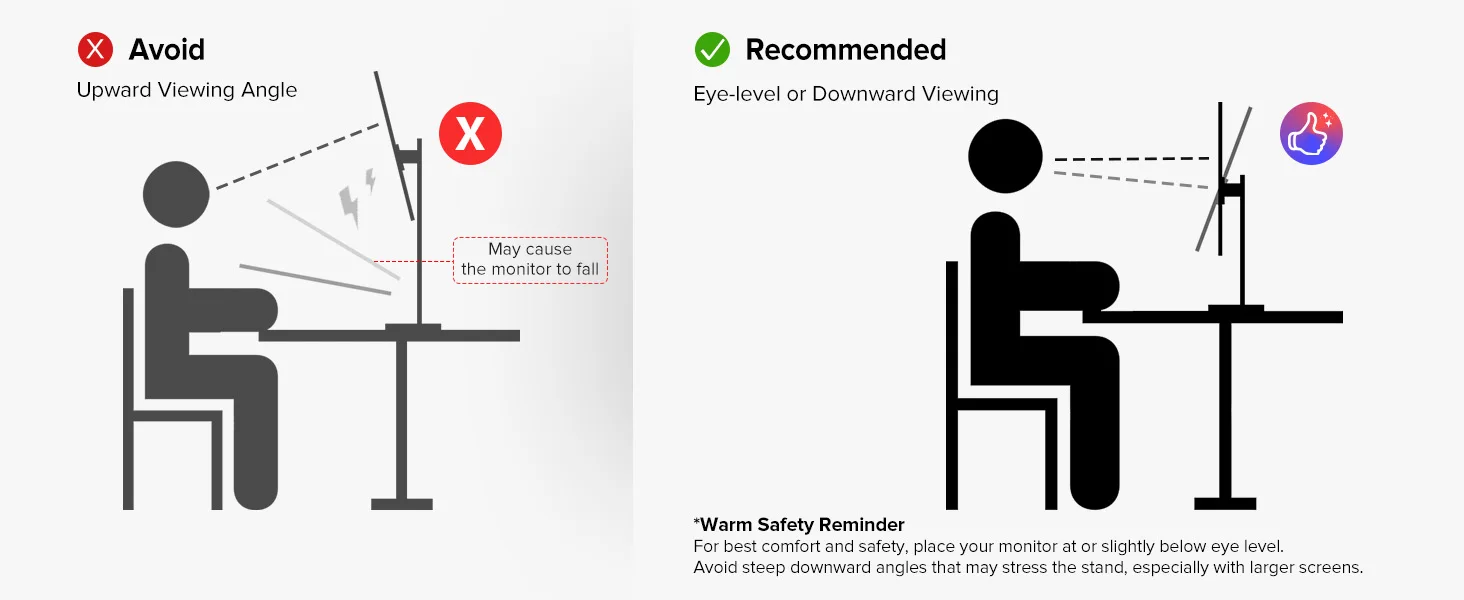
The built-in stand is a highlight of the 24.5 inch wall mounted computer monitor that distinguishes it from traditional monitors. This stand perfectly combines stability and flexibility, allowing users to easily adjust the height, tilt angle, and rotation direction of the monitor according to personal needs. The design of the built-in stand simplifies the desktop layout, aims to improve user experience and space utilization efficiency, and makes the desktop look neater and more orderly.
Build Your Mobile Gaming Center
The Type-C and HDMI ports of the 24.5 inch desktop monitors with USB ports are well-known for their wide compatibility and high-quality audio and video transmission. They are suitable for laptops, mini PC, desktop computers, Switch, Xbox, PS2, and various devices. 165Hz 2K wall mounted computer monitor provides efficient and simple connection solutions, meets the needs of users in different scenarios, and improves the overall usage experience.

UPERFECT UMax 24 Spec:
Panel Type: 24” IPS Screen
Resolution: 2560*1440 QHD
Display Color: 16.7M
Visual Angle: 178° Full View Angle
Contrast Ratio: 1000:1
Brightness: 320 cd/㎡
Refresh Rate: 165Hz
NTSC: 72%
sRGB: 100%
Response time : 10ms
Display area: 541.44(H) × 302.616(V)MM
Bulit-in Speakers: Dual 8Ω 1W Speakers
Input Interface: Full Function Type-C * 2, Mini HD * 1 ,3.5mm Audio*1,USB OTG *1 (Micro USB-B interface, hard disk data transmission, connecting mouse and keyboards.)
VESA:75mm*75mm
Screen Type: Matte
Color: Black
What's in the box?
1 × 24.5 Inch Computer Monitor
2 × USB-C to USB-C Cable
1 × mini HDMI to HDMI Cable
1 × Power adapter
4 × VESA screws (M4*5mm)
1 × Manual
Support Single Type-C Cable For Display & Power Device Model
- Mobile Phones Support USB 3.1:
For Samsung: Samsung Galaxy S8, S8+, S9, S9+, S10, S10+, S10e,S20,S20+,S20 Ultra,S21,S21+,S21 Ultra,S22,S22+,S22 Ultra, Note 8, Note 9,Note 10
For Huawei: P50 Pocket/40 Pro/40/30/20/10/9 Series, Mate X/Xs/X2/40 Pro/40/30/20/10/9 Series, Honor Note 10,Honor Magic V/3/Pro/Pro+/4/4 Pro/4 Ultimate;
For SONY: Xperia 1 / 1 II/1 III/1 IV/5/5 II/5 III/10 III/Pro/Pro-I;
For OnePlus: 7/7 Pro/8/8 Pro/9/9R/9 Pro;
For OPPO: Find X3 Pro/Reno 10x Zoom/Reno 5G/R17 Pro (OPPO RX17 Pro in Europe);
For LG: V60/V50/V40/V35/V30/V30+/V20 Series,G8/G7/G6/G6+(with Dec 2018 update)*functionality has not been tested*/G5 Series,Q8;
For HTC: 10/U Ultra/U11/U11+/U12+/U19e,Exodus 1;
For ASUS:ROG Phone/Phone II/Phone 3/Phone 5/Phone 5s Series,ZenFone 3 Ultra,ZenFone AR,ZenFone Ares;
For Motorola: Edge+/Edge S (China variant)/Moto G100 (global version for European market)/ Edge 20 Pro/30 Pro(global variant)/X30;
For Xiaomi: Black Shark 2/3/4;
For ZTE: Axon 9 Pro/10 Pro,Nubia Red Magic 6S Pro/7/7 Pro;
Others: BlackBerry Key2,BQ Aquaris X2,Essential Phone,Fairphone 4,Lenovo Legion Phone Duel/2 Pro/Duel 2,NOKIA 9 PureView, Microsoft Lumia 950/950 XL, HP Elite x3,Razer Phone/Phone 2,Fairphone 4;
*NOTE: If you can not find your devices above, please use IOS/Android to HDMI Adapter for connecting.
- Laptops Support Thunderbolt 3 or USB 3.1:
For Apple: Apple MacBook Pro (Late 2016) and newer,Apple MacBook Air (Late 2018) and newer ;
For Huawei: MateBook D/X/X Pro/E/13, MagicBook;
For ASUS: ZenBook, U4100UN, U5100UQ, ROG Series;
For HP: EliteBook Folio G1, Spectre 13,ZbookZbook Studio;
For Dell: G3/G5/G7 Series, Inspiron 5000/7000 Series, XPS12/13/15;
For Lenovo: Thinkpad E580/T470/T470s/T480/T480s/X1 Carbon (2017-2019);
For MIUI: Air 12.5"/133.3", Pro 15.6", MI Game NoteBook
For Google: ChromeBook Pixels
For Razer: Blade Stealth Series (All)
For Microsoft: Surface Book 2
Others: Acer Swift 5,MSI GS60 6QE,Gigabyte Aero 15x/15 x9/15 y9;
*NOTE: If you can not find your devices above, please use mini HDMI cable instead.
Warm tips:
If the screen signal is poor or flickers, make sure you are only operating the monitor with the adapter that came with it. With other adapters, the voltage may be insufficient. If the screen still flickers, please swap the HDMI cable to test.
Please check the Type-C port of your PC/Laptop whether it supports the transmission of audio and video signals (Thunderbolt3). If it doesn't, you'll need a "Type-C to HDMI" adapter for signal transmission.
If "No Signal" or "Power Saving Mode" appears, please switch the Type-C cable head to another side and reconnect the monitor.
The monitor turns on in the default power save mode. (Note: No save function in sleep mode, you need to close it manually.)
The 23.8" portable monitor has no built-in battery, without touchscreen function,you can't charge it.you cant touch it, just connect and get starte
Write Your Own Review
Write your content here...
