

OBDPEAK T30 10.26“ Android 13 Ai Screen Carplay Android Auto Dash Cam WIFI GPS Navigation Dashboard Recorder Mirror CameraT30 NO CAMERA UNITED STATES NO TF CARD
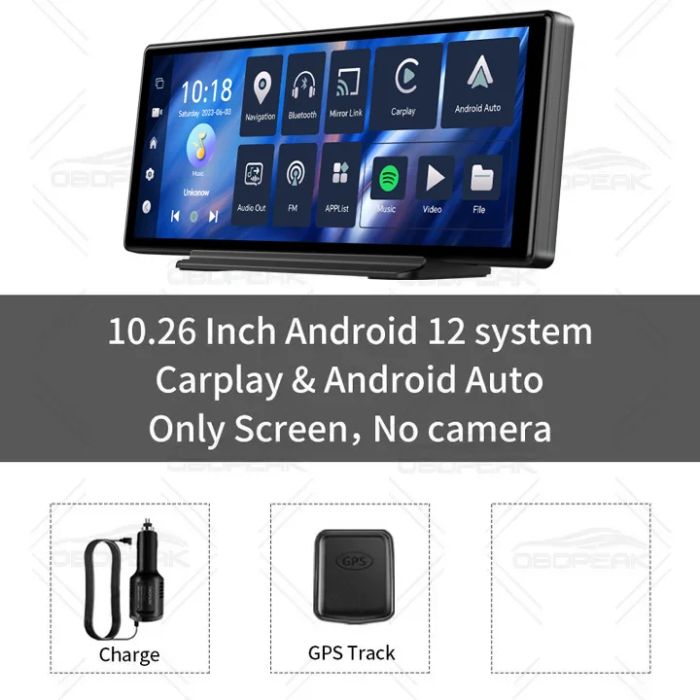


Android Auto is only available with Android version 11 or above, and for Huawei phones do not support Android Auto.
NOTE: The charger in the package must be used to connect to power in the car, the device will not work using a USB cable.

Function introduction:
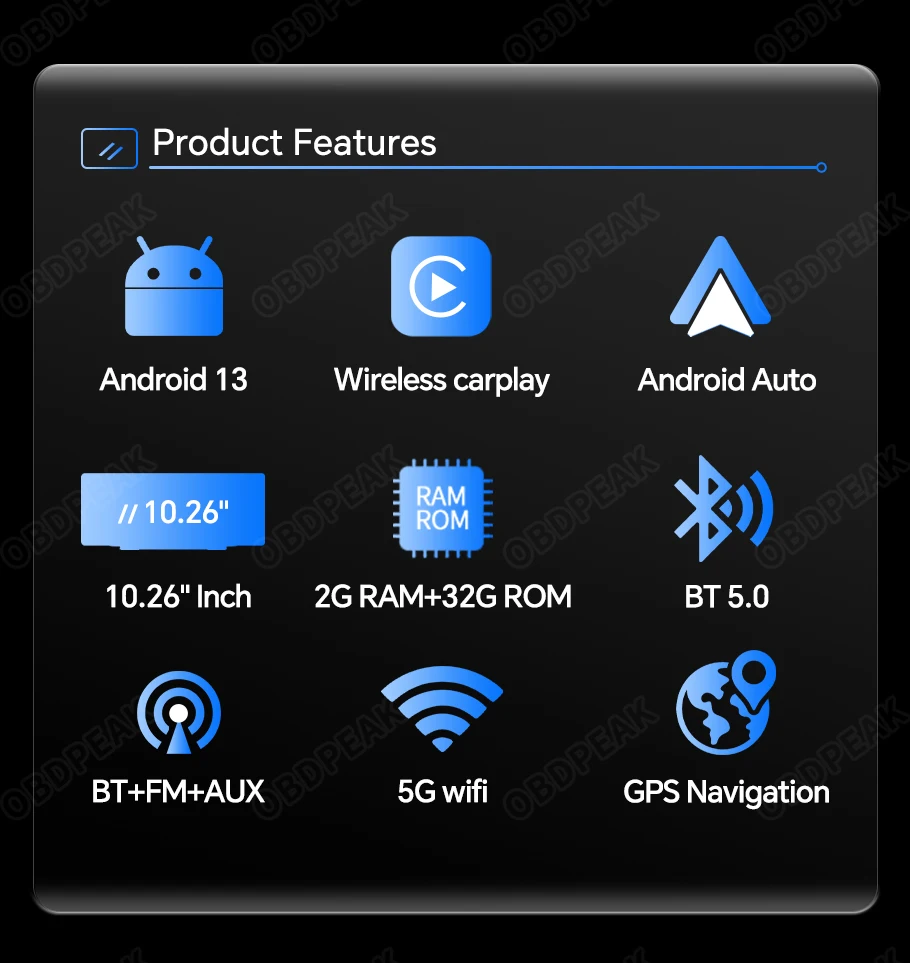
*Android 13.0 system
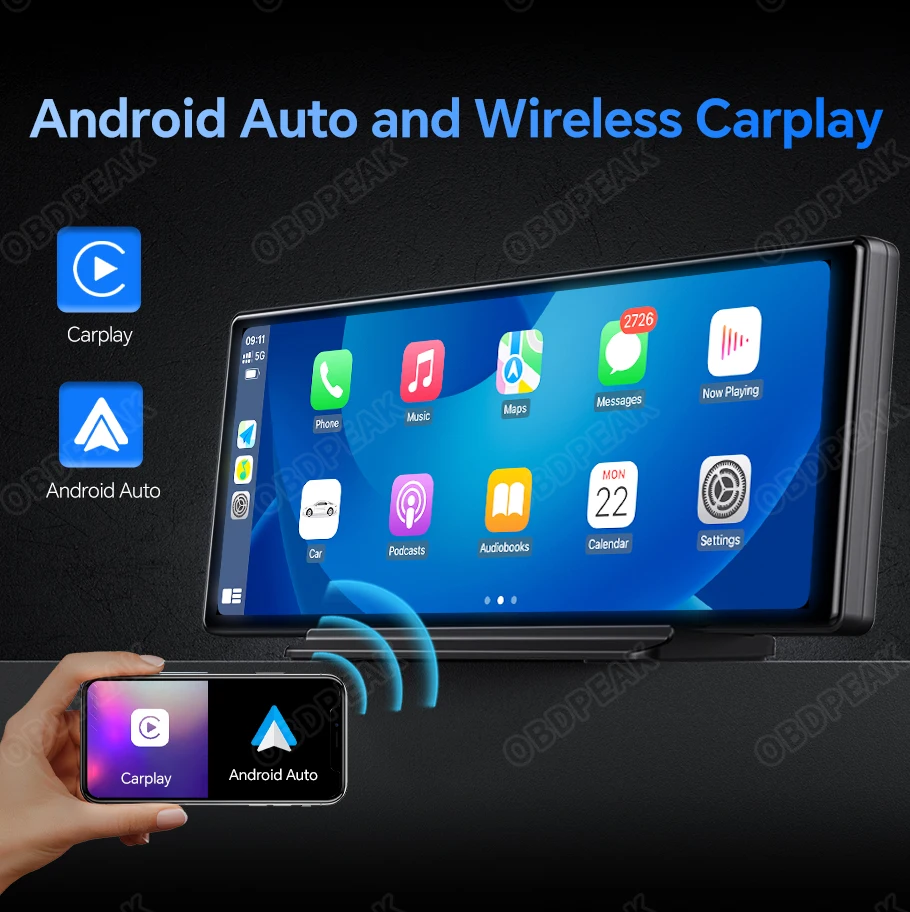
*Support wireless Carplay and Android Auto
*Mirror Link (Support Airplay / Android Wireless Mirror)
*AUX output & FM transmission & Bluetooth audio output
*GPS navigation/ online music and video playback
*RAM 2GB +ROM 32GB
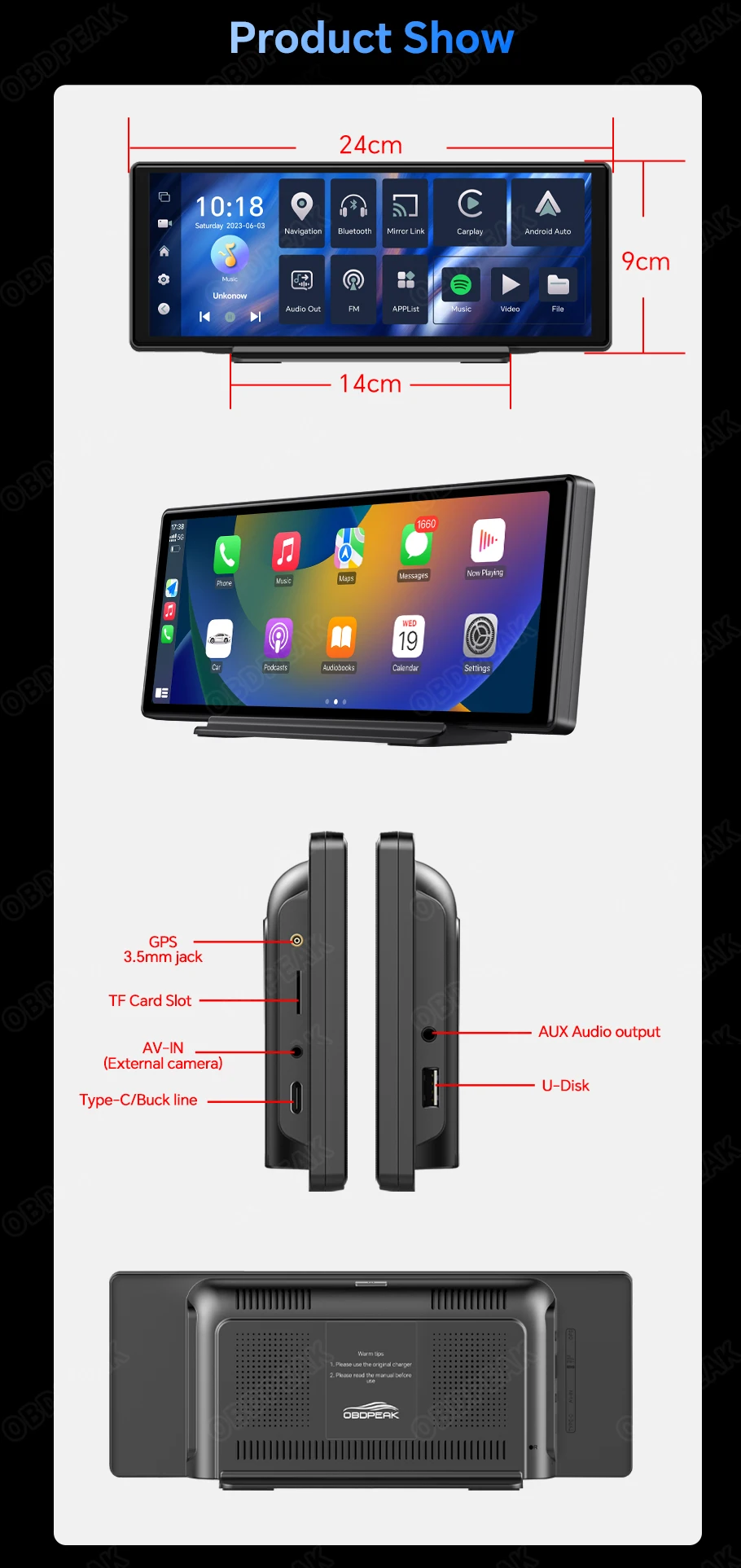
*10.26" 2.5D IPS Touch Screen
*Easy to install
*NO Front Camera
3 systems+1 Camera
The OBDPEAK T30 has a crazy built-in 3 system, Android 13 system/Carplay system/Android Auto system, and has added an external camera to meet all your car driving needs!

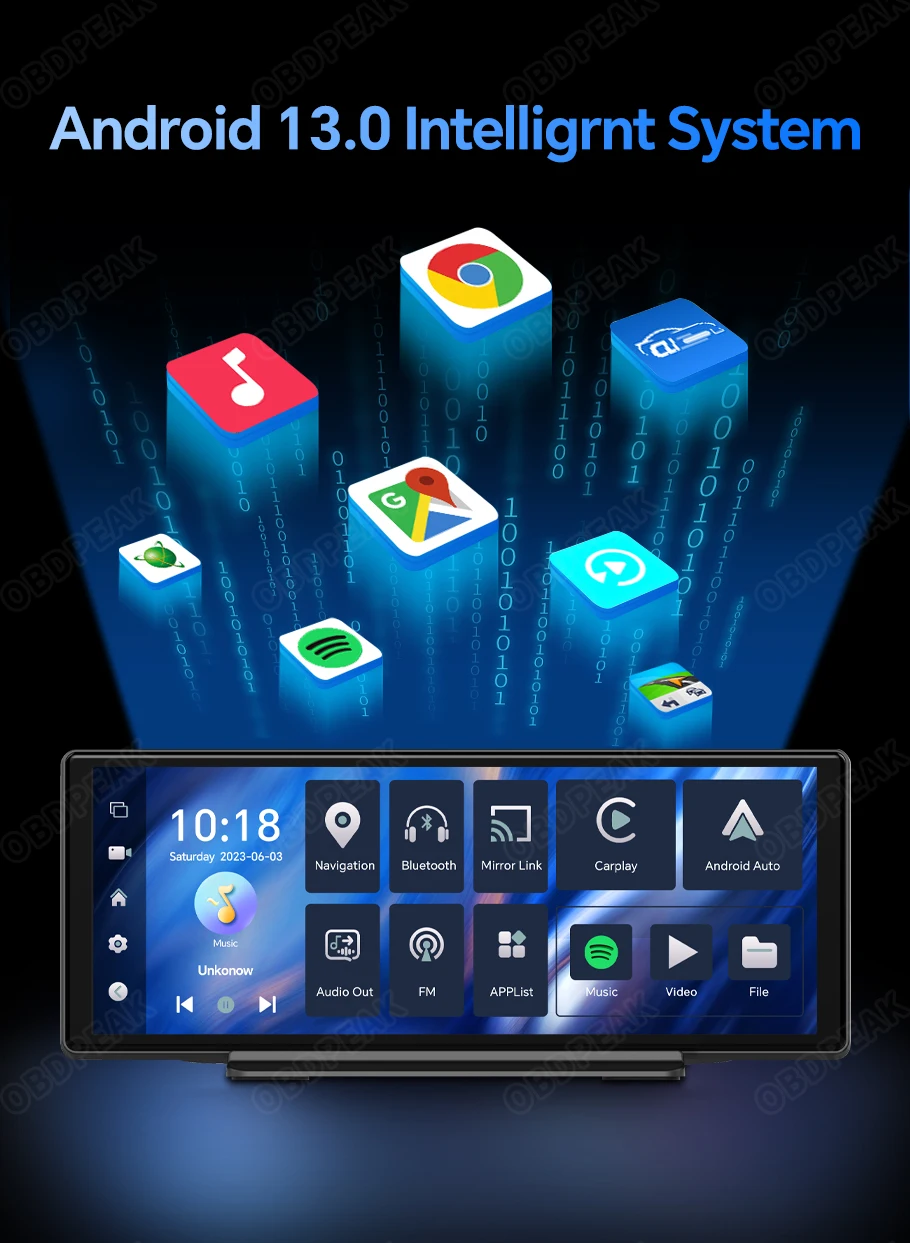
The latest Android 13.0 intelligent system
T30 is equipped with the latest Android 13.0 system and WIFI network, which can be connected to WIFI to download and use exciting apps such as Google Store, Maps, and online video playback software
T30 is equipped with the latest Android 13.0 system and WIFI network, which can be connected to WIFI to download and use exciting apps such as Google Store, Maps, and online video playback software
Online Music and Video Playback
T30 is based on the powerful Android 13 system with built-in video and music playback software, allowing you to enjoy audio and video entertainment anytime, anywhere

Latest Wireless Carplay and Android Auto
The OBDPEAK T30 recorder uses the latest technology, supports wireless Carplay and Android Auto functions, users can easily and safely make calls, listen to music, send and receive messages, use navigation, support Siri, and more. (Wireless Connections, via BT or WiFi)
Multiple Functions
With T30 Android 13 AI Screen to achieve more comfortable and safer driving, you can easily use map
navigation, listen to music, answer and make calls, and view messages.

High Fidelity Audio Output
Build in multi chip audio output mode, allowing T30 to seamlessly connect to car audio,
Wireless Bluetooth or FM output or wired AUX audio output can be selected, and high fidelity audio output can be retained (Include AUX Cable)

WIFI Network Connection
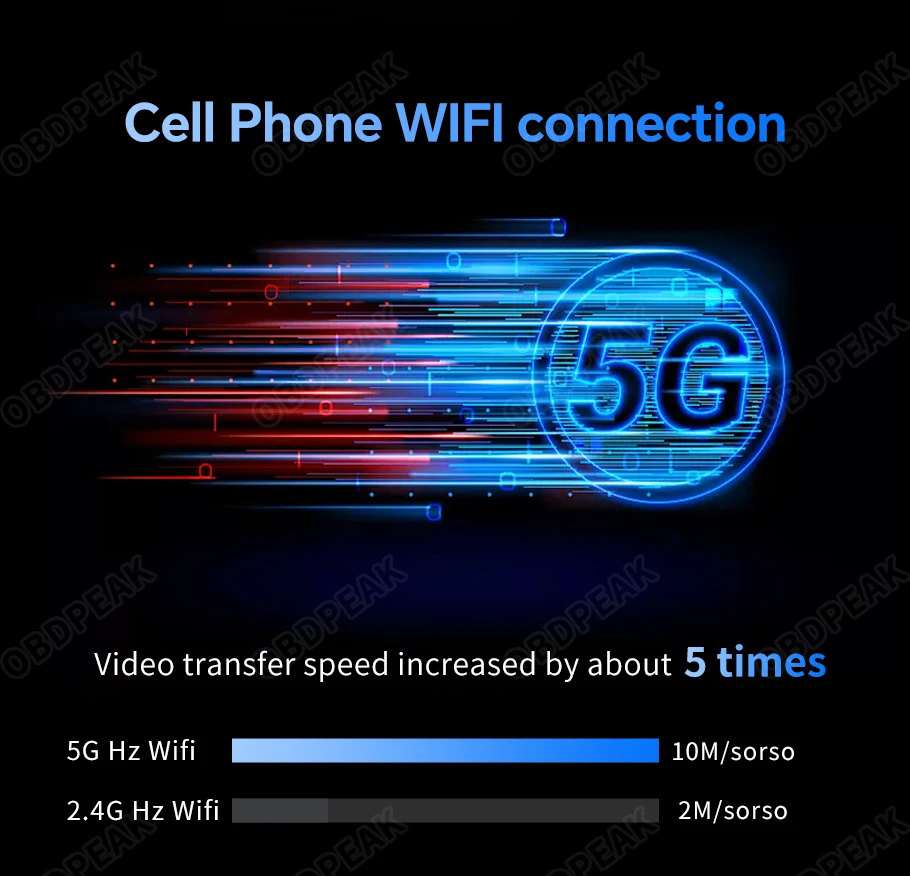
T30 WiFi supports connecting mobile phone hotspots and general WIFI networks to obtain the Internet connection. After successfully connecting the network, it can use online navigation, use Google Play, and play online music or video.
Wireless Mirror Link Function
Support Airplay / Android Wireless Mirror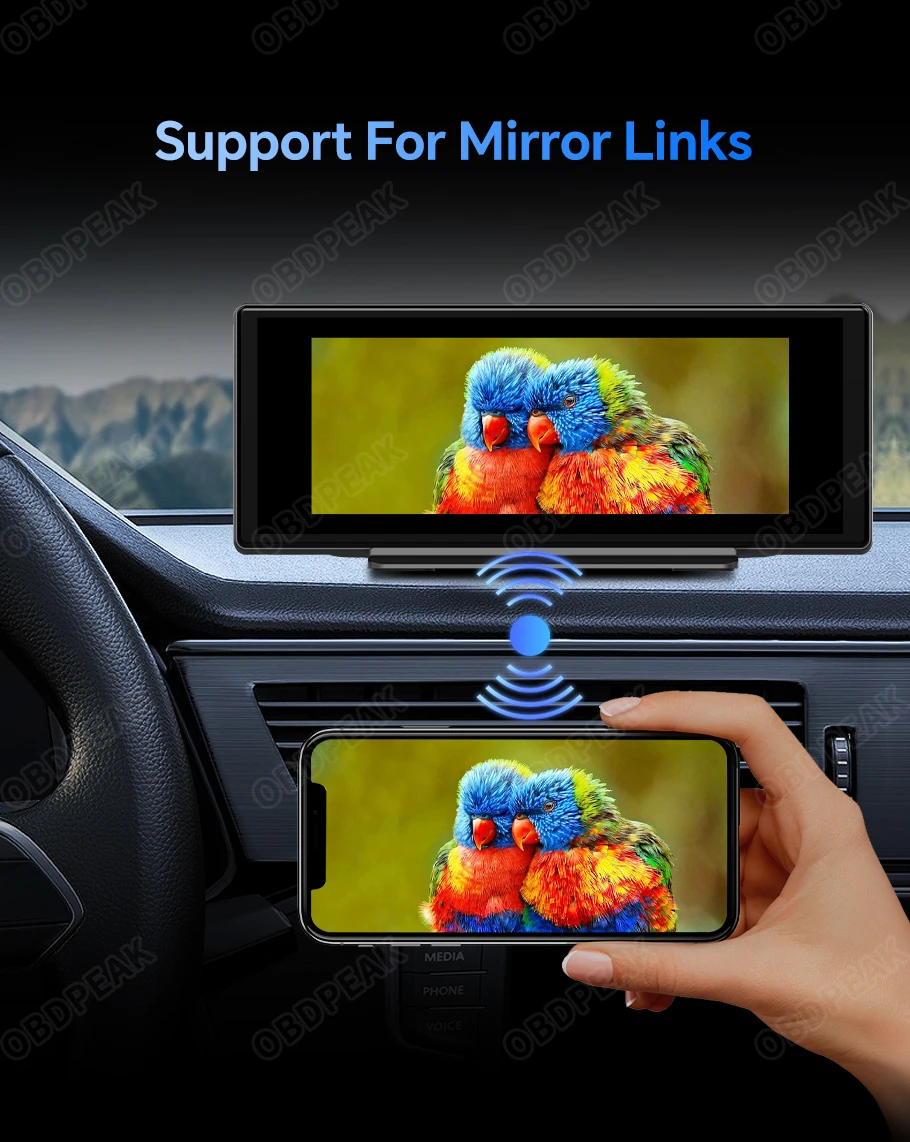
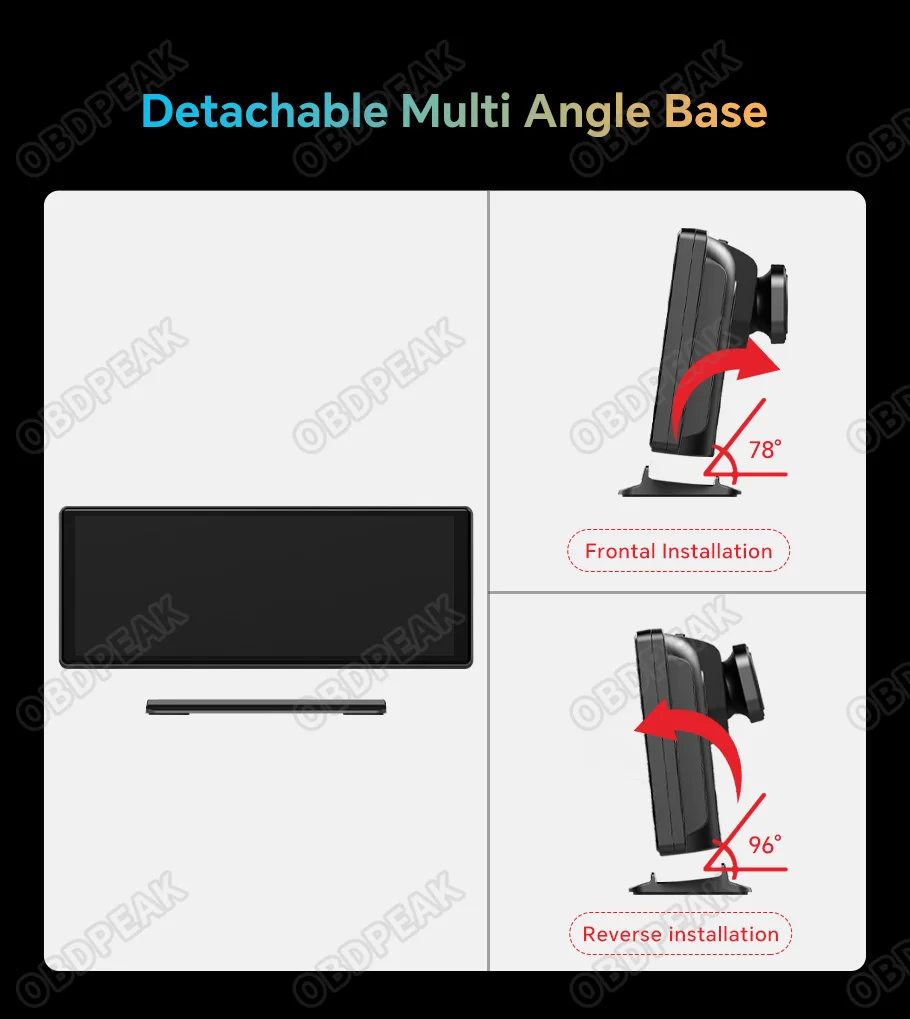
Detachable Multi Angle Base
T30 has an ultra-low base that can be installed in reverse to achieve different angles, and you can even completely remove the bracket for better aesthetic results
OTA Remote Update
Based on Over the Air Technology technology, we can update the new features of T30, timely fix faults, improve product usage experience, and save you on return costs.
(Please send us the device IEMI number and version number, and we will remotely send you the updated software)

Package List:
T30 AI Screen * 1
Cigarette Charger (Type C) * 1
AUX Cable * 1
GPS Module * 1
User Manual * 1
More installation possibilities
Multi Function Designed Suction Cup Car Brackets Holder For T30 DVR (Additional buy of holder is required. Click the picture to buy)

FAQ
Q: How does Bluetooth output audio in Carpaly/Android Auto mode?
A: 1. Click on the Carplay/Android Auto icon on the main interface
2. Click on the settings button in the lower right corner
3. Click on the audio separation option
4. Turn on the audio separation right switch
5. Connect the car audio system through Bluetooth using a mobile phone connected to Carplay/Android Auto
(As shown in the figure below)

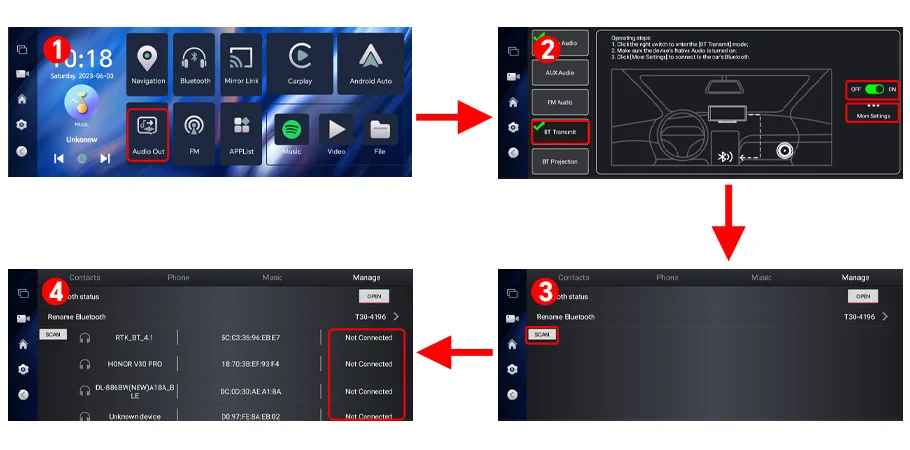
Q: How to output Bluetooth audio when using the Android system?
A: 1. Click the audio output button on the main interface
2. Turn on the Bluetooth transmission switch and click on more settings
3. Search for car audio signals
4. Pairing with car Bluetooth
(As shown in the figure below)
Q: How to perform system upgrades
A: Firstly, send us the device version number and IEMI number through a buyer's conversation
2. Connect to the WIFI network and click on Settings
3. Click on 'About Devices'
4. Click on the upgrade button
5. Check for updates and then download the upgrade
(As shown in the figure below)


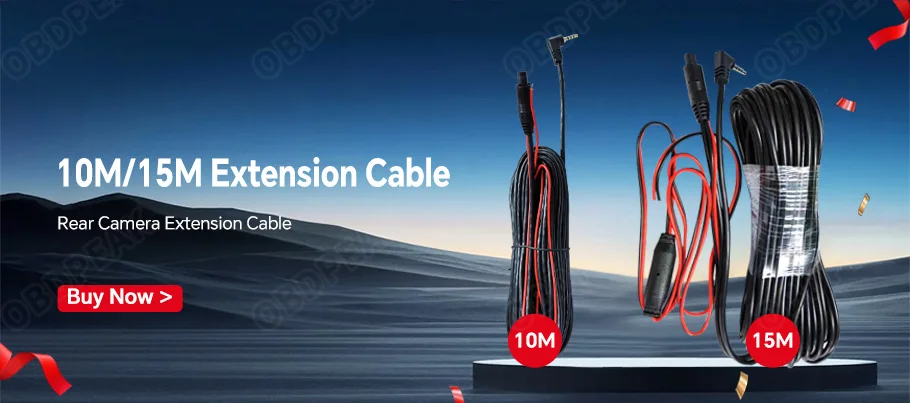
Optional accessories

Write Your Own Review
Write your content here...
