

Back to Top
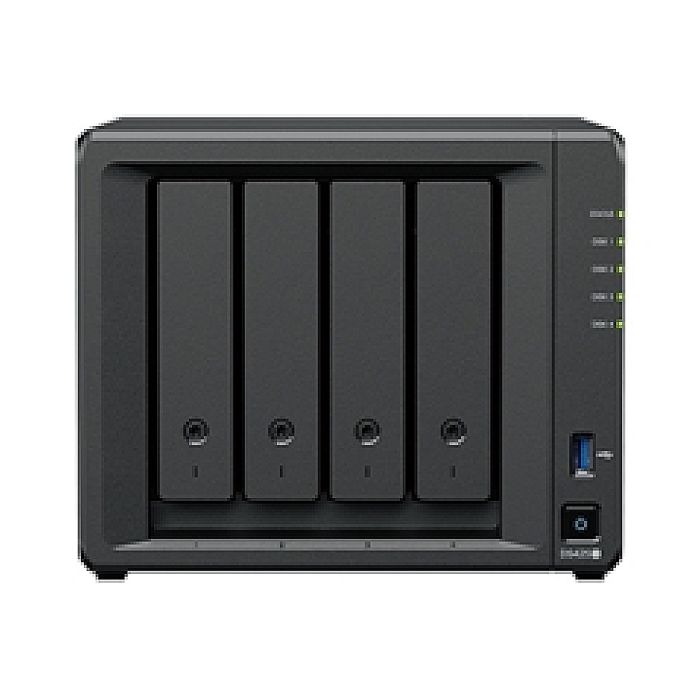
Synology NAS DS425+ 4Bay DiskStation Diskless Retail
Synology NAS DS425+ 4Bay DiskStation Diskless Retail
Secure Checkout
Protected payment experience
Fast Shipping
Estimated 3–5 Business Days
Mallris Support
Help before and after your purchase
Setup & Repair
Real technical support when needed
2.5GbE connectivity and diverse storage options
The DS425+ features built-in 2.5GbE networking and supports both SATA SSDs and HDDs in 2.5"/3.5" internal bays, as well as M.2 NVMe drives via M.2 slots for use cache.note2,6
Store, share, and protect
Manage all your documents, photos, and other files, back up applications and devices, and protect your assets with professional video surveillance.
Private cloud for seamless data access
Streamlined file management and collaboration
Store, sync, access, and share data from any device, wherever you are. Work seamlessly between different platforms and devices, and access your files through mobile apps, desktop clients, and a browser-based interface. Quickly and easily roll back files in case of accidental deletion, mistakes, malware, etc., with versioning.
A private photo storage and management solution
Effortlessly back up and organize photos, videos, and other visual assets using intuitive management tools. Automatically organize your content into albums and create secure share links for stakeholders and teammates.
Boost team productivity with collaborative tools
Enhance workplace collaboration with Synology's productivity solutions. Create, edit, and share documents across teams in real time. Host an on-premises mail server to provide web-based email access while maintaining full data ownership. Additionally, stay connected through secure one-on-one chats, public channels, encrypted private channels, and group conversations.
Note:
2. Compatible drives are mandatory. Please consult our compatibility list before purchasing hard drives. For more details, please refer to this article.
6. Synology Enterprise Series M.2 NVMe SSD drives can be installed through the built-in M.2 slots to enable SSD caching or create SSD storage pools. Drives are sold separately.
The DS425+ features built-in 2.5GbE networking and supports both SATA SSDs and HDDs in 2.5"/3.5" internal bays, as well as M.2 NVMe drives via M.2 slots for use cache.note2,6
Store, share, and protect
Manage all your documents, photos, and other files, back up applications and devices, and protect your assets with professional video surveillance.
Private cloud for seamless data access
Streamlined file management and collaboration
Store, sync, access, and share data from any device, wherever you are. Work seamlessly between different platforms and devices, and access your files through mobile apps, desktop clients, and a browser-based interface. Quickly and easily roll back files in case of accidental deletion, mistakes, malware, etc., with versioning.
A private photo storage and management solution
Effortlessly back up and organize photos, videos, and other visual assets using intuitive management tools. Automatically organize your content into albums and create secure share links for stakeholders and teammates.
Boost team productivity with collaborative tools
Enhance workplace collaboration with Synology's productivity solutions. Create, edit, and share documents across teams in real time. Host an on-premises mail server to provide web-based email access while maintaining full data ownership. Additionally, stay connected through secure one-on-one chats, public channels, encrypted private channels, and group conversations.
Note:
2. Compatible drives are mandatory. Please consult our compatibility list before purchasing hard drives. For more details, please refer to this article.
6. Synology Enterprise Series M.2 NVMe SSD drives can be installed through the built-in M.2 slots to enable SSD caching or create SSD storage pools. Drives are sold separately.
Write Your Own Review
Write your content here...
More Mallris tech products
Recommended products available from Mallris.
 Available Now
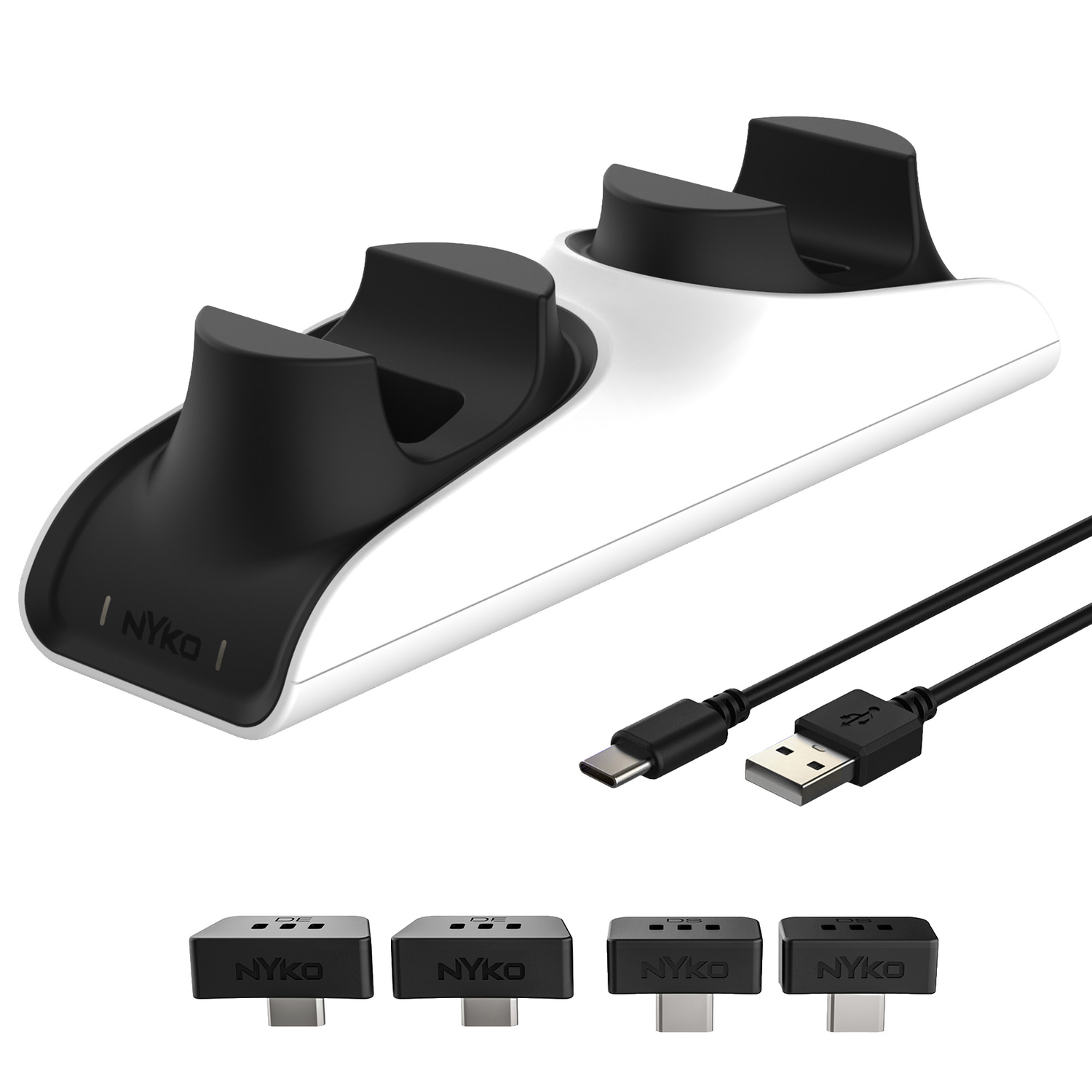
Nyko 83314 Charge Base Edge for PlayStation 5
$29.99 View Product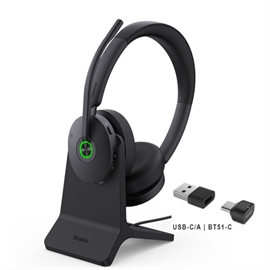 Available Now
Yealink Headphone 1208684 BH74 with Stand UC USB-C/A Bluetooth wirele...
$95.21 View Product Available Now
Super Large E-sports Mouse Pad
$1.56 View Product Available Now
